
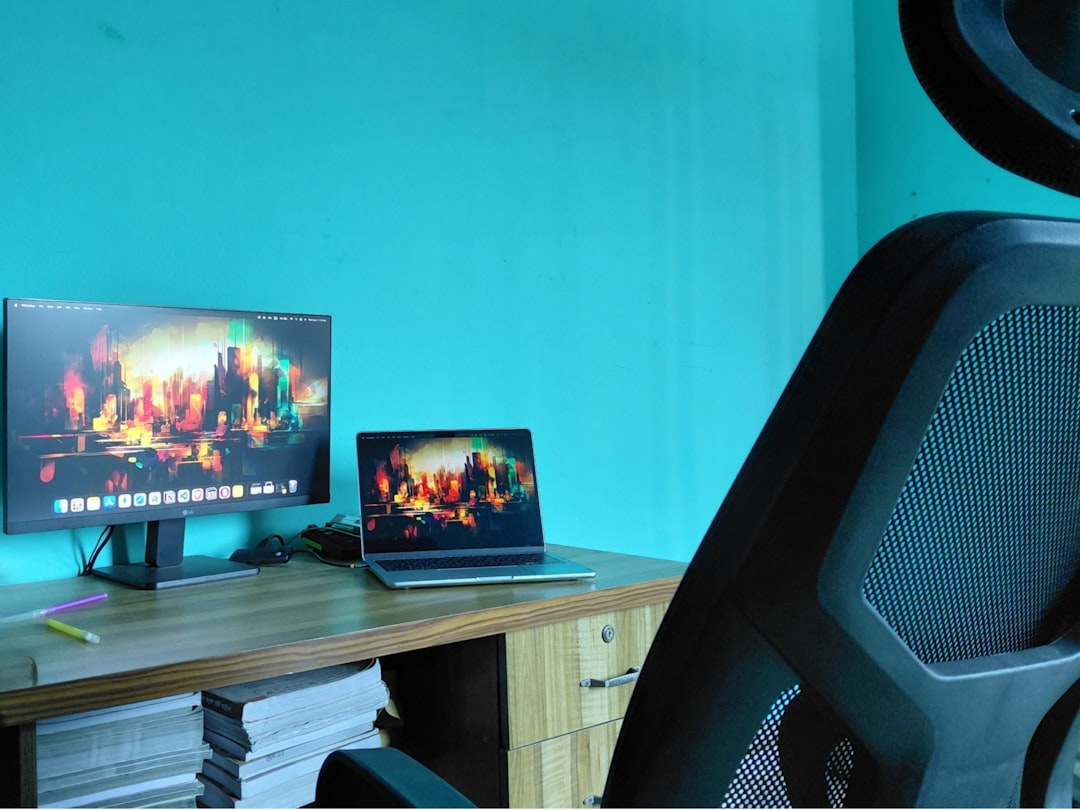
Sitting all day wrecks your posture and steals energy, but small changes fix it fast. These practical, desk-friendly tactics restore alignment and reduce pain without expensive gear.
Raise Your Chair to a Neutral Spine Angle
Adjust your seat height so your feet rest flat on the floor and your knees form a gentle angle slightly lower than your hips. This encourages the natural curve of your lower back and reduces forward slouching while you work.
Make micro adjustments until your forearms sit parallel to the desk when typing, and your shoulders feel relaxed. A properly adjusted chair is the foundation for every other change you make at the desk.
Pro Tip: If your feet do not reach the floor, place a sturdy box or small footrest under them to keep hips slightly higher than knees.
Set Your Monitor at Eye Level to Prevent Forward Head
Position the top third of your monitor at eye height so you can look forward without tilting your chin up or down. When the screen sits correctly, you avoid leaning into the screen, which strains the neck and upper back.
Use a riser, stack of books, or an adjustable arm to achieve the right height. If you use two screens, keep the primary display centered and the secondary slightly to the side to avoid twisting your neck.
Quick Tip: Sit back, close your eyes, then open them, the monitor that feels centered at that moment is likely at the correct height.
Support Your Lower Back with Targeted Lumbar Support
Add a lumbar cushion or roll a towel to support the natural curve at the base of your spine. This stops the pelvis from rotating backward and reduces fatigue in the erector muscles that hold you upright.
Test different thicknesses until you find one that feels comfortable for long stretches. Consistent lumbar support trains your core to sit aligned, making good posture easier to maintain over time.
Expert Insight: If you switch chairs during the day, bring the cushion with you to keep support consistent across workspaces.
Keep Your Shoulders Relaxed and Your Elbows Close
Set your keyboard and mouse so your elbows remain close to your sides and your wrists are neutral. Reaching forward or flaring your elbows forces the shoulders to lift and the upper back to round, which encourages a hunched posture.
Try a shorter keyboard tray, or move frequently used items within easy reach. Small positional changes reduce shoulder tension and preserve the stacked alignment from neck to hips.
Insider Tip: If your shoulders feel tight, perform gentle shoulder rolls for 30 seconds every hour to reset tension and encourage a relaxed position.
Use Standing Breaks to Reset Your Spine Regularly
Stand up every 30 to 45 minutes to reset spinal posture and stimulate circulation. Even brief standing breaks interrupt the static strain that accumulates when you remain seated for long stretches.
Walk to make a drink, stretch gently, or perform a quick set of hip opening moves at your desk. These habits prevent stiffness and make returning to a healthy seated posture easier.
Heads Up: Set a recurring timer or use an app to remind you to stand and move so breaks become automatic rather than occasional.
Train Your Core with Simple Desk-Friendly Exercises
Strengthen the deep abdominal and lower back muscles that support upright sitting by doing short sets of seated or standing core activations. Strong core muscles reduce the load on passive structures like ligaments and discs.
Practice pelvic tilts, seated marches, or brief planks during breaks. Even two minutes several times a day compounds into improved endurance and better posture by the end of the week.
Worth Knowing: You do not need a long workout to build functional core strength, frequent short sessions work best for desk workers.
Adjust Screen Brightness and Contrast to Reduce Leaning
Eye strain often causes you to lean forward toward the screen for clarity, which compromises neck alignment. Reduce this by increasing font size, adjusting brightness, and increasing contrast to make content easier to read at a natural distance.
Position the screen to minimize glare from windows and lights. When your eyes are comfortable, you adopt a more relaxed head position and avoid creeping forward without noticing.
Pro Tip: Use browser zoom or system settings to set a comfortable default text size so you do not need to lean in on any site.
Use a Vertical or Split Keyboard to Reduce Wrist and Shoulder Strain
Ergonomic keyboards that allow a more natural hand position can reduce the urge to hunch and lift your shoulders while typing. Split layouts let you keep your hands shoulder-width apart, aligning wrists and forearms with your elbow joints.
Test different models before committing, since comfort and typing efficiency vary across designs. A keyboard that supports a neutral wrist position helps maintain relaxed shoulders and an erect upper spine.
Quick Tip: If a new keyboard feels awkward at first, give it a week of short sessions to let your muscles adapt before judging comfort.
Create a Visual Cue to Remind You to Sit Tall
Place a sticky note, small sign, or a lightweight object at the top edge of your monitor that prompts you to check your posture. Visual cues reduce autopilot slouching because they trigger conscious posture resets.
Pair the cue with a short routine: take a breath, roll your shoulders back, tuck your chin slightly, and engage your core. Over days this becomes a quick micro-habit that shifts your default posture.
Expert Insight: Change the cue location every few weeks to avoid tune out and keep the reminder effective.
Optimize Chair Tilt and Back Recline for Active Sitting
Allow slight recline to reduce pressure on lumbar discs and to encourage periodic postural shifts. A backrest that supports different recline angles helps you alternate between upright and slightly tilted positions, distributing load across different muscles.
A too-rigid chair forces a single static posture, while small dynamic shifts prevent muscle fatigue. Use a recline angle that keeps the shoulders back and the head over the chest, not forward of it.
Insider Tip: If your chair has an adjustable sync mechanism, set it so the back reclines a bit when you lean back, supporting natural movement.
Quick Routine to Reset Posture in One Minute
Use this short, repeatable sequence whenever you notice slouching: sit tall, feet flat, draw shoulders down and back, tuck your chin slightly, and breathe deeply for three counts. This resets alignment and signals your muscles to hold a better position.
Repeat this reset every hour or set your watch to prompt it. Over time the reset becomes faster and you rely less on reminders to sit with good posture.
Worth Knowing: Consistent small resets beat rare long sessions of posture work, the cumulative effect is what delivers lasting improvement.
Ready to Sit Smarter Every Day?
Pick one change and apply it for a week, then add another; combined adjustments create durable posture improvements that reduce pain and boost focus. Which adjustment will you try first, and what time will you schedule your first posture reset tomorrow?